
A screenshot arrives at a review meeting: one highlighted parcel, several coloured layers and a sentence that says “no restrictions.” The image does not show which sources responded, how old the data is or whether the right parcel was queried. The next person has to repeat the work to understand the conclusion.
A well-documented property query keeps those answers alongside the map. This guide gives planning teams, consultants and GIS professionals a way to turn exploratory research into a technical input someone else can review. We use GeoSAT's Medellín viewer as the example; the approach to sources and unresolved questions also applies elsewhere.
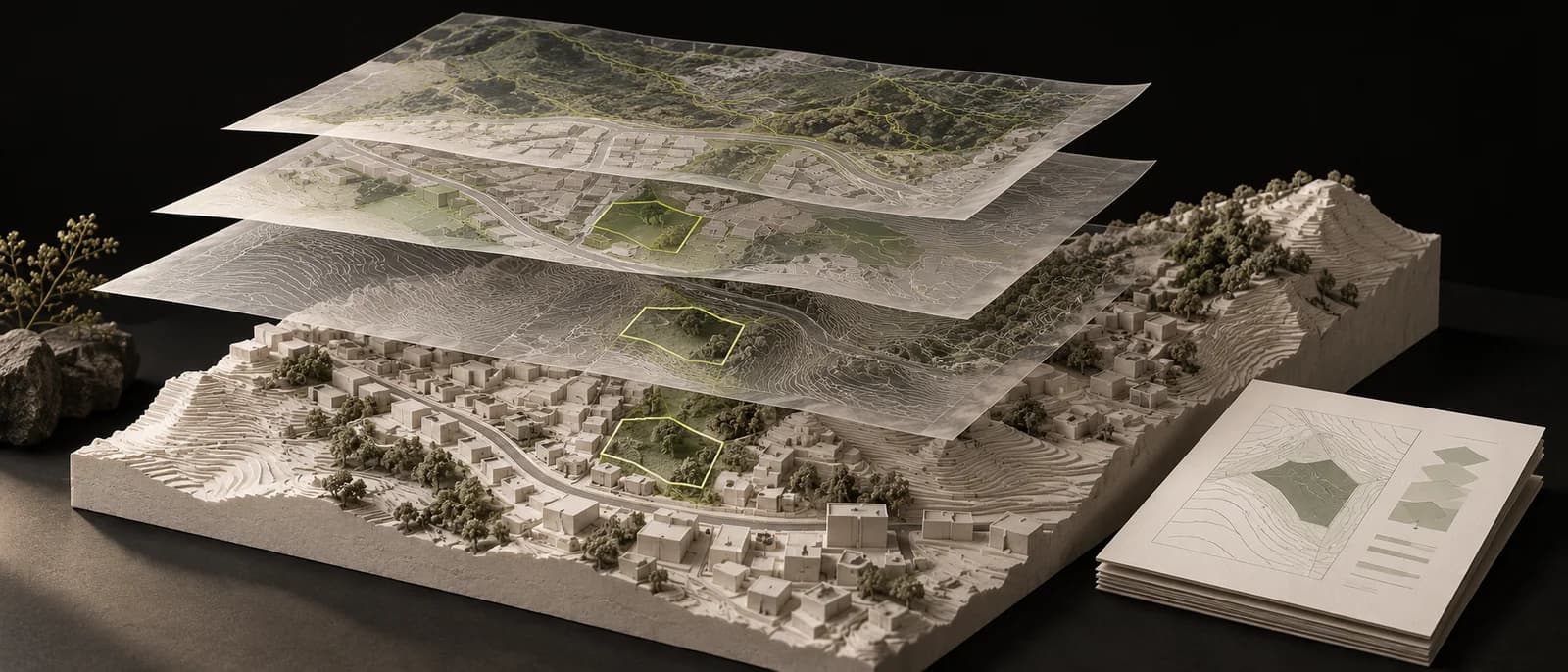
The cover is a conceptual illustration, not an actual parcel or official map.
Write the question before switching on layers
“Review the property” is too broad. A specific question helps you choose sources and recognise what is still missing. For example: which published information needs checking before assessing a change of activity on this parcel?
That question leads to land use, planning treatment and the relevant documents. An environmental review requires other topics. Record the boundaries of the assignment too: a site visit, survey, title review or official determination may fall outside it.
Medellín's municipal land-use query form, in Spanish, asks users to identify the activities they want to assess. It also explains the scope of the determination in relation to rights granted by licences. Keep the activity you queried in the report and distinguish the map reading from any authorisation.
1. Confirm the object you are querying
Open the Medellín planning query and choose Property. Search by address or identifier, then compare the returned boundary with the streets and buildings you expected to find.
The selected object matters. A parcel may contain a building with many units. The CBML identifies a municipal cadastral parcel; it does not, by itself, identify the apartment involved in a sale. Finding an address does not establish that all its units share one property record.
Record the municipality, identifier, object type and query date at the top of the report. If you have only located an approximate point, say so. You can continue exploring the surroundings, but the findings should not yet be assigned to a particular private unit.
2. Keep the provenance of each finding
For each topic, record these fields in a short reference table:
| Field | What to retain |
|---|---|
| Source | Publishing organisation and link to the service or document. |
| Layer and object | Layer name, parcel identifier and topic queried. |
| Data date | Date or version declared by the source; otherwise, “not stated.” |
| Query date | When you performed the review. This differs from the data date. |
| Scope | Coverage, scale or resolution where available. |
| Result | Finding, response status and supporting document. |
Metadata helps you judge whether a source fits your question. IGAC's Metadata Management Guide, version 2, in Spanish, distinguishes profiles for data, services and documents, including origin, spatial reference and use restrictions.
A layer accessed today may describe an observation from years ago. If your conclusion depends on current conditions, that difference becomes a check you still need to make.
3. Read the source status alongside the map
In GeoSAT, open Source query status. The counter records sources that responded, including those that found no intersections. It does not measure completion of a full planning review.
| Observed status | How to record it |
|---|---|
| Area overlap | The returned geometry covers part of the parcel. Record the category and review its documents. |
| Boundary contact | The geometries touch without sharing an area. Preserve that distinction. |
| No intersections | This query returned no matches. Do not extend the finding to other sources or topics. |
| Municipal query | Inspect the table and associated documents; the map may provide context only. |
| Partial response | Identify what arrived and what is missing. |
| Unavailable | The query failed. Keep the check open instead of recording “no restrictions.” |
If a source fails, try Refresh sources and follow the publishing organisation's link. If it still does not respond, record the unresolved check and its effect on the original question. A partial conclusion remains useful when it makes its limits explicit.
4. Explain the percentage and the measurement boundary
Hypothetical example, with no real property data. Assume a parcel measures 600 m² from its geometry and a thematic layer intersects 90 m² of it. The proportion is 90 ÷ 600 × 100 = 15%.
That percentage describes the intersection of the geometries used. It does not establish that a deed records an area of 600 m² or determine how much can be built. If another layer covers 60 m², check whether the two intersections overlap before adding them: the same ground can appear in both topics.
GeoSAT's brief distinguishes the geometric area from the area published as an attribute where both are available. If they differ, retain both with their origins. Changing a number to make them match would conceal the discrepancy you need to resolve.
5. Write the finding, its scope and the next step
For the same hypothetical example, a working note could read:
The parcel was identified and thematic layer A responded. The calculated intersection covers 90 of the 600 m² in the queried geometry. Layer B was unavailable. That topic remains open before the requested assessment can be completed.
The note lets a reviewer distinguish a calculation from a missing response. Add the actual source names, links and dates when you apply the method to an assignment.
Where a finding depends on a planning rule, link the article, table or administrative act you actually read. A polygon code without its supporting document leaves the explanation incomplete.
Check these eight points before handing over
- The question and scope of the assignment are written down.
- Municipality, identifier and queried object match the case.
- Each finding has a source and link.
- The data date is separate from the query date.
- The map retains a readable boundary, topic and legend.
- Areas and percentages identify the geometries and units used.
- Partial results and unavailable sources remain visible.
- Each unresolved item states what needs checking before the conclusion can be completed.
Choose Print brief after the map finishes loading and inspect the resulting PDF. Keep Copy link too: opening it queries the sources again, so the link may show different information later. The saved brief records what you saw; the link lets someone repeat the query.
Follow the full workflow in the Medellín planning map guide. If your team needs these queries integrated into an institutional workflow, contact GeoSAT with the municipality, sources and deliverable you need to produce.